Upgrade, cancel or fix a payment
Upgrade to Pro, top up credits, cancel, update your card and understand what happens when a payment fails.
By the end of this article you can start, change or end a Pro plan and fix a failed payment. Prices are on the pricing page.
Upgrade to Pro
Select Settings & Billing in the side panel.
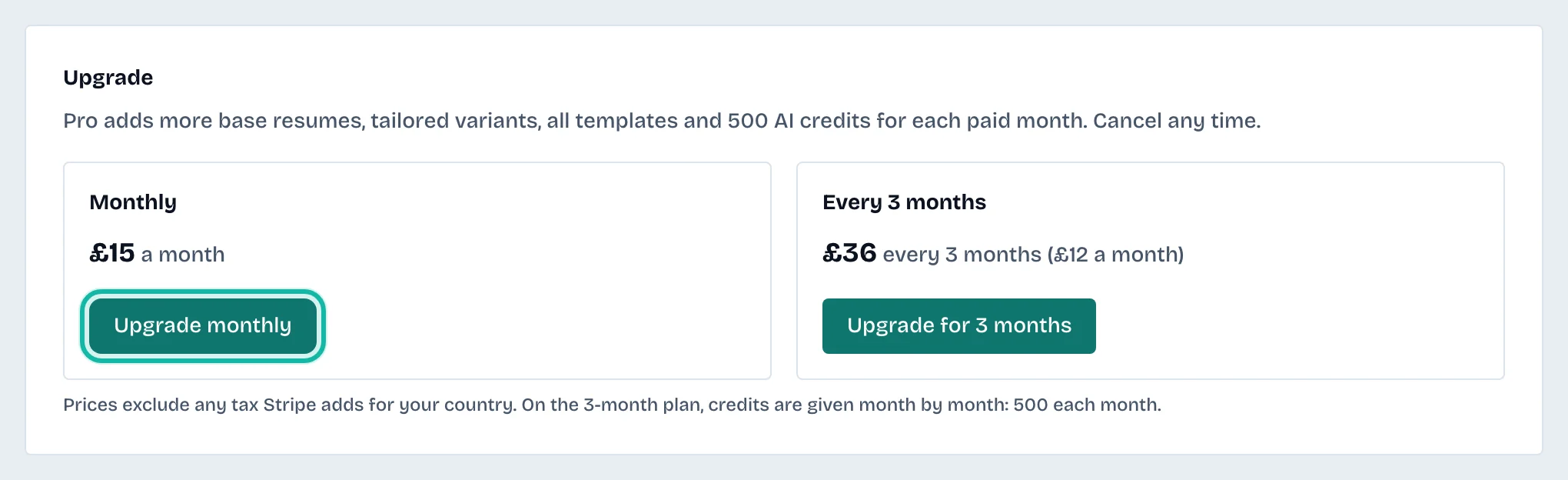
Under Upgrade, choose Upgrade monthly or Upgrade for 3 months.
Pay on Stripe's page. Any tax for your country is added there.
Pro gives you 500 credits for every paid month, with no limits on résumés, copies and templates. On the 3-month plan credits are given month by month.
If the page says Stripe has not confirmed the payment yet, reload it in a moment. Pro switches on when it does.
Top up credits
On Pro, Top up credits offers extra packs. They are used after your Pro credits and last a year. On Free, top-ups are not available.
Cancel Pro
On Settings & Billing, select Manage billing.
Cancel in the billing portal.
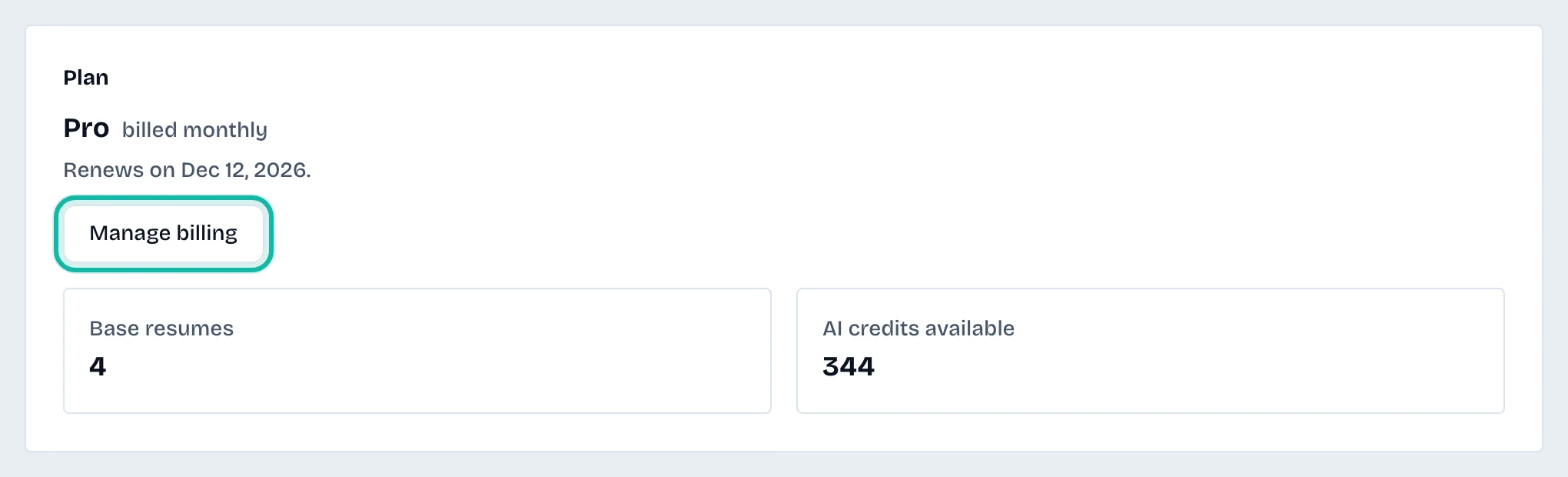
The page then says Pro stays until your period ends, and your account moves to Free after. Your saved work is kept. The rules for refunds are on the cancellation and refunds page.
Fix a failed payment
If your last payment failed, a red note says Pro features and Pro credits are paused. Your résumés, letters and applications stay yours and stay editable.
Select Manage billing.
Update your card in the billing portal.
Pro comes back as soon as the payment goes through.
What if…
I want to change the card or see invoices? Use Manage billing.
I was charged by mistake? Contact us from your account's email address.
I want to delete my account instead? A paid plan is cancelled first. See Manage your account, security and data.