Billing and your plan
See your plan, credits and usage, open the billing portal, and add credits or CV imports. Owner only.
By the end you know where to see your plan and usage, and where to change them.
Only the owner sees Billing in the left menu. Admins and staff see plan and credit figures on the Dashboard but cannot change anything.
For what plans include and cost, see the pricing page.
See your plan
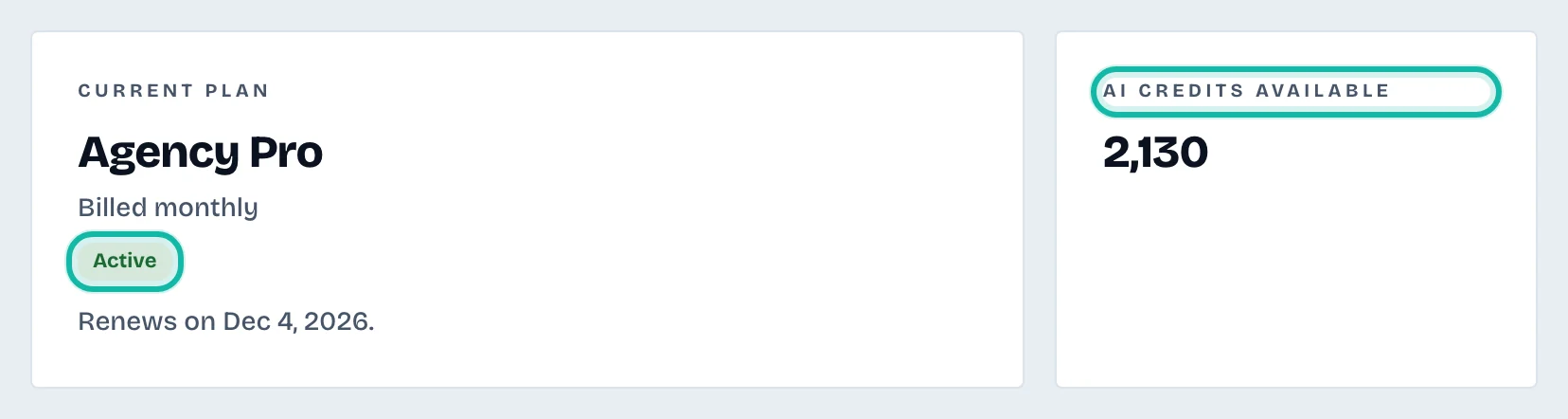
Open Billing. Current plan shows the plan name, Billed monthly or Billed yearly, a status badge (such as Active, Free trial, Payment failed or Plan ended), and the renewal or trial end date. AI credits available shows the pool shared by your whole team.
Change plan, update the card or cancel
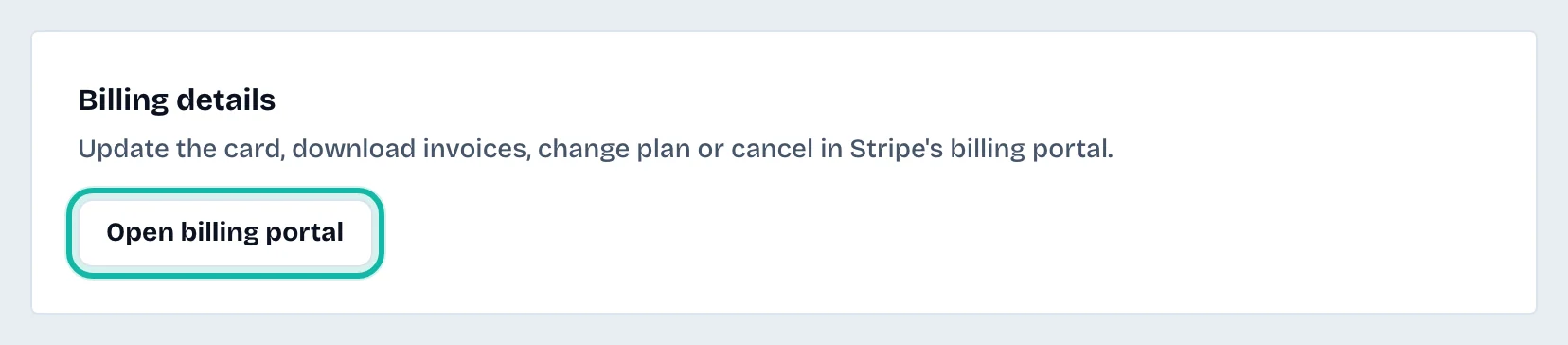
Select Open billing portal under Billing details. Stripe's portal lets you update the card, download invoices, change plan or cancel. It becomes available after you start a plan.
Add credits or CV imports
While a plan or trial is active:
Top up credits offers credit packs. They are used after your monthly plan credits.
Extra CV imports adds more imports, used once the plan's monthly imports run out.
You pay on Stripe's page.
If you have no plan yet
Under Choose a plan, pick Monthly or yearly billing, a currency and a plan, then subscribe. If you have a pilot code, select Have a pilot code? and Start free trial.
What if…
A banner says the last payment failed? AI work, imports and exports pause and credits are frozen. Update the card in the billing portal, and everything resumes when the payment goes through.
It says The plan has ended? Your data is kept. Choose a plan under Billing to carry on.
Credits run low? Use Top up credits. Allowances do not reset until the next period.