Use your own résumés alongside coaching
Why a business account cannot hold personal résumés, and how to switch between businesses or to your personal account.
By the end you know how to reach your own résumés and how to move between several coaching businesses.
Business and personal accounts are separate
One email address is either a personal BrighterResume account or a business account, never both. A business account has no personal résumés, so there is nothing to switch to inside it.
To work on your own résumé:
Select Log out at the bottom of the menu.
Sign in with your personal account's email.
To set up a business later with the same person, use a different email, for example your work address.
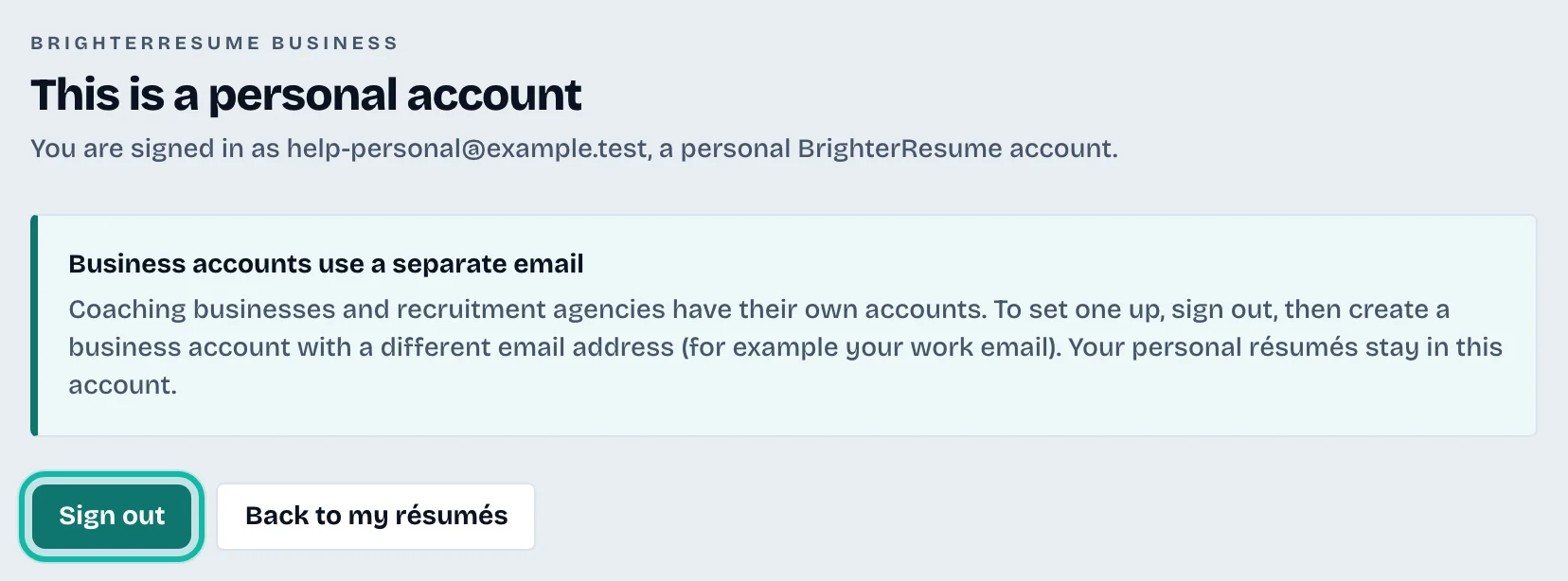
If you open /business while signed in with a personal account, the page This is a personal account explains this. Select Back to my résumés to return, or Sign out to sign in with your business account.
Switch between businesses
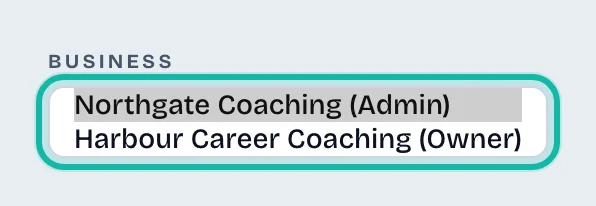
If you belong to more than one business, the menu shows a Business list.
Open the Business list at the top of the menu.
Select the business you want. Each entry shows your role, such as "(Admin)".
The page reloads and shows that business.
What if…
My clients ask how to reach their own résumés? Clients use personal accounts and are not affected. They see Coach suggestions and Share with coach in their own résumé editor.
I do not see the Business list? It only appears when you belong to two or more businesses.