Manage billing and your plan
Start or change a plan, enter a pilot code, update your card and top up credits. Owners only.
By the end your plan is running, and you know how to change or pause it.
Only the business owner sees Billing. Admins and staff who need a plan change should ask the owner. Prices are on /pricing.
Check your plan
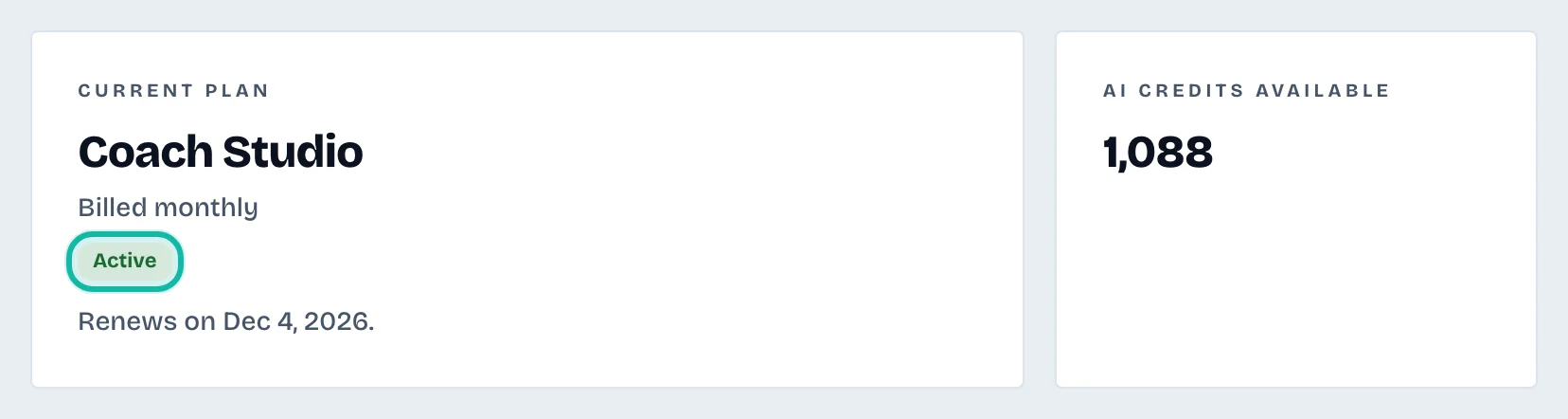
Billing shows Current plan, its status, when it renews or when a trial ends, and AI credits available. Statuses are No plan yet, Free trial, Active, Payment failed and Plan ended.
Start a plan
Under Choose a plan, select Monthly or Yearly, and your currency.
Select a plan card.
Select Subscribe to and the plan name. Stripe opens to take payment.
If you have a pilot code, select Have a pilot code?, enter it and select Start free trial. No card is needed for a pilot.
Change plan, update your card or cancel
Select Open billing portal. Stripe's page lets you update the card, download invoices, change plan or cancel. The button works after a plan has started.
Top up credits
While a plan or trial is active, Top up credits offers credit packs. Extra credits are used after your monthly plan credits.
What if…
Payment failed? Work is paused and plan credits are frozen. Update the card in the billing portal; everything resumes once the payment goes through.
The plan has ended? Your data is kept. Choose a plan again to carry on.
Stripe has not confirmed my plan yet? Reload the page in a moment.