Set your logo and colour
Add your logo, pick a sidebar colour and write the welcome text your clients see.
By the end your business looks like yours to your team and on client invitation pages.
Only owners and admins see Branding.
Open Branding in the menu.
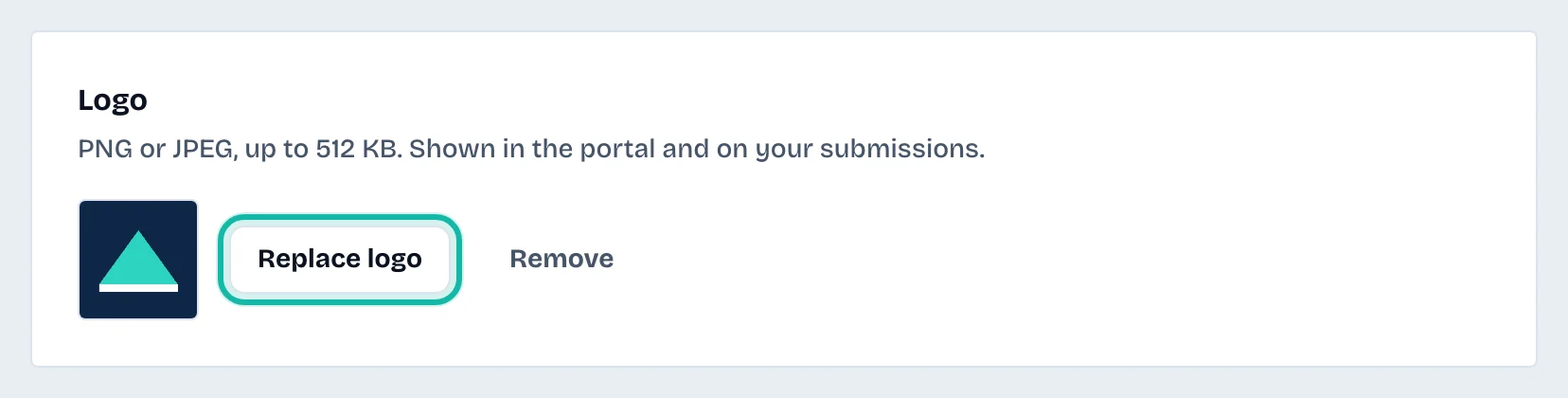
Under Logo, select Upload logo. Choose a PNG or JPEG of 512 KB or less.
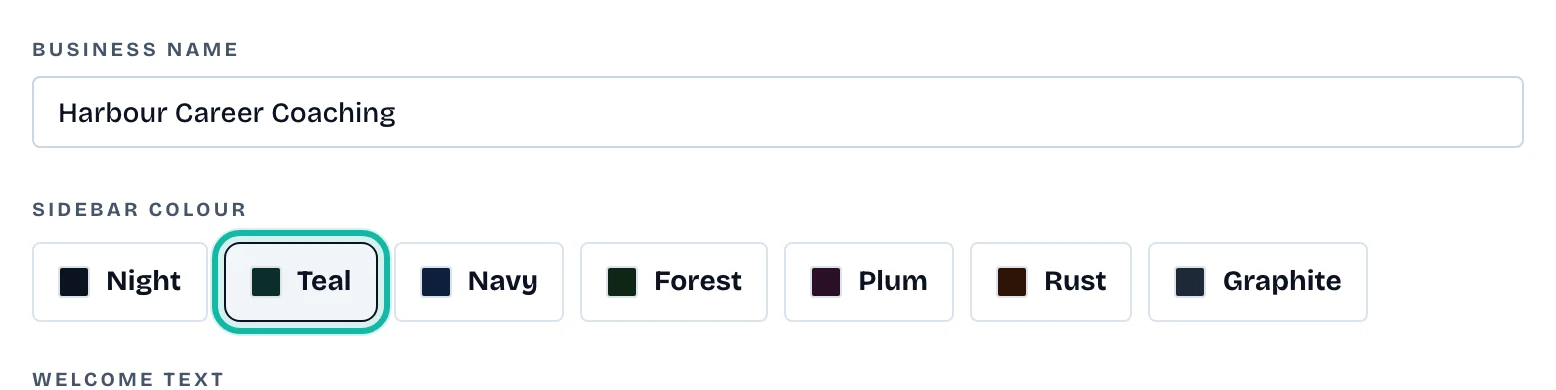
Under Sidebar colour, choose one: Night, Teal, Navy, Forest, Plum, Rust or Graphite.
Write your Welcome text, up to 150 characters. Plain text. It appears on invitation pages and on your dashboard.
Change the Business name if needed.
Select Save branding.
The logo saves as soon as you upload it. Select Remove to delete it.
What if…
My logo is refused? It must be PNG or JPEG and 512 KB or smaller.
The colour did not change for my team? Select Save branding. Colour and text save only with that button.